The product
One plan, from the office to the floor.
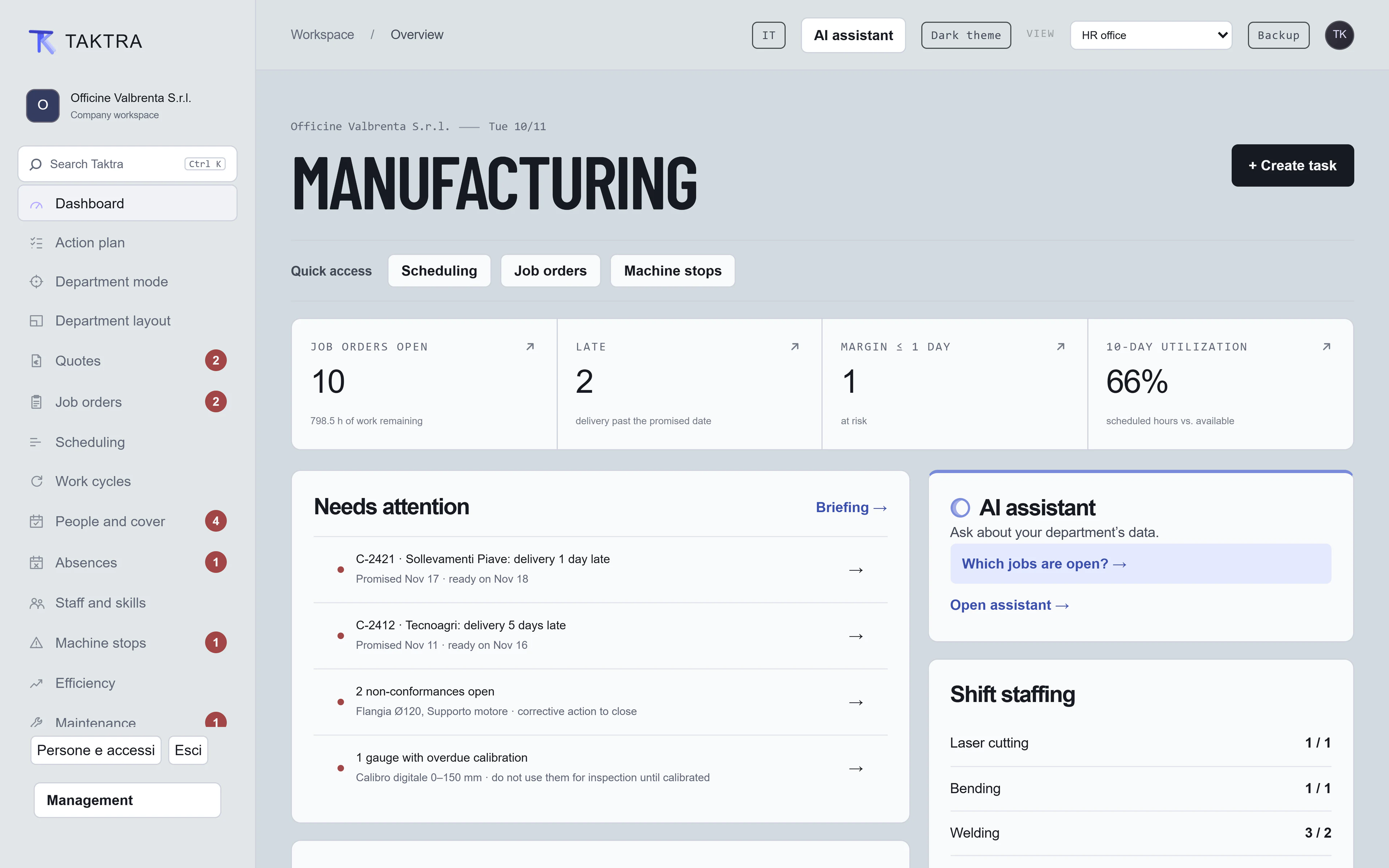
Taktra organises operational work: who does what, by when, with which people and which stations. When something changes — an absence, a stoppage, a late material — the plan changes with it.
The method
Who does what. And by when.
Organise
Put tasks, priorities and deadlines in order.
Assign
Link the work to the people and stations available.
Follow
See what is moving, what is missing and where to step in.
Seven areas
All the work, one system.
Each area has its own page, with real screens sector by sector.
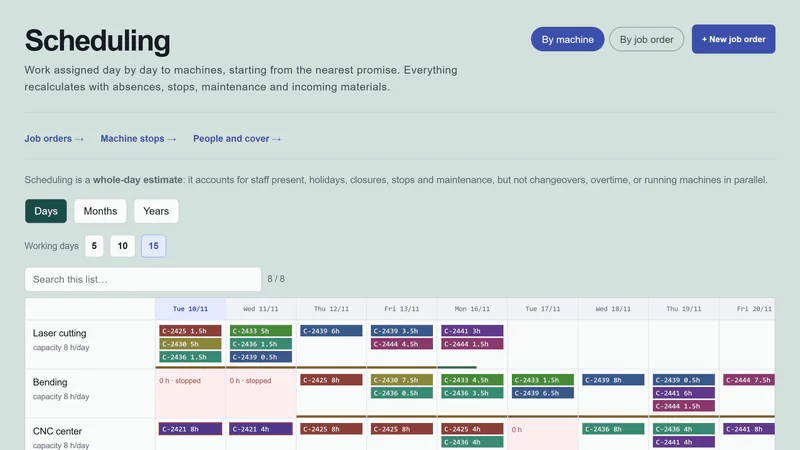 01Planning and progress
Orders, stages and dates calculated from real capacity.
Explore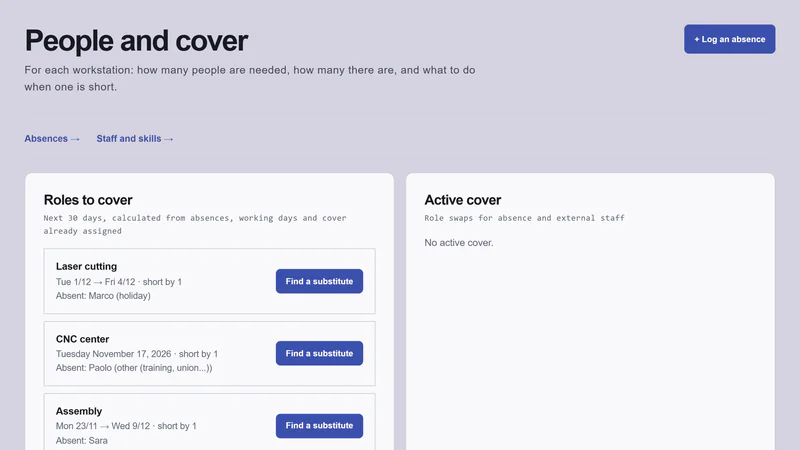 02People, shifts and cover
Uncovered positions, skills and absences ahead of time.
Explore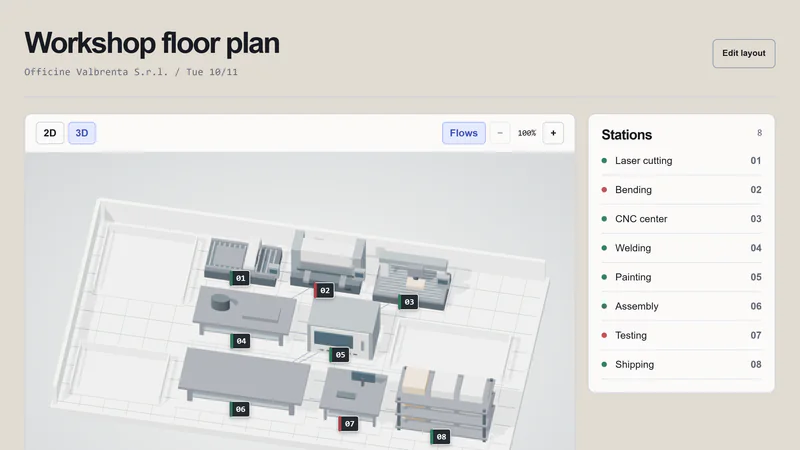 03Floor, 3D layout and stoppages
A live floor plan, stoppages and maintenance.
Explore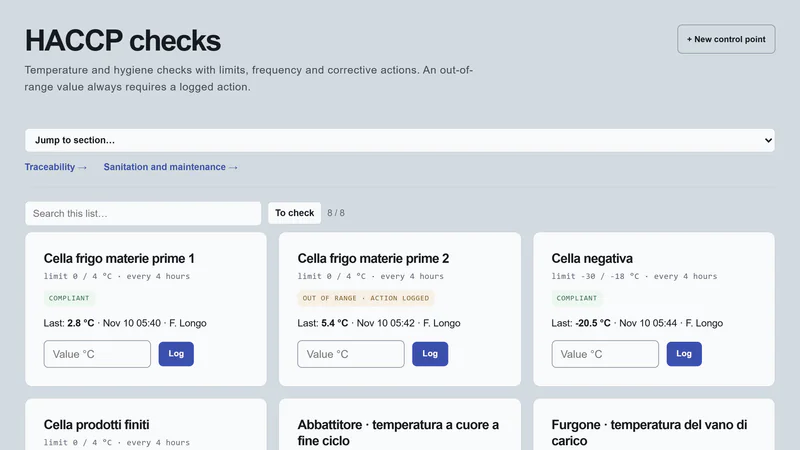 04Quality and checks
Non-conformance, HACCP, traceability, food cost.
Explore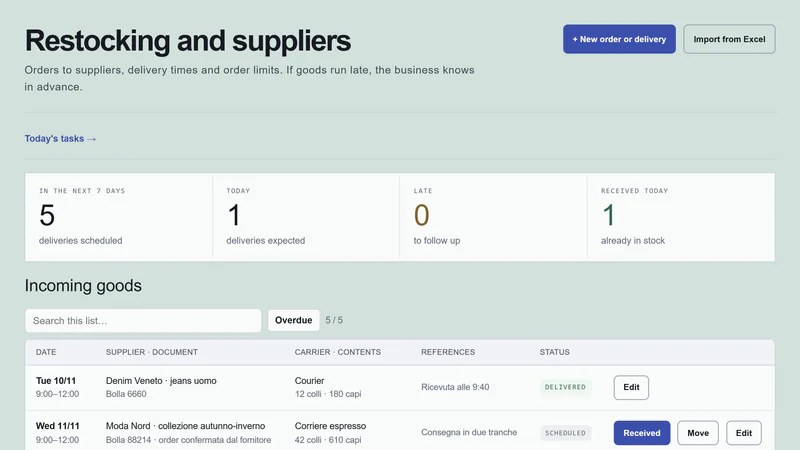 05Deliveries, materials and suppliers
What ships, what arrives and what slips as a result.
Explore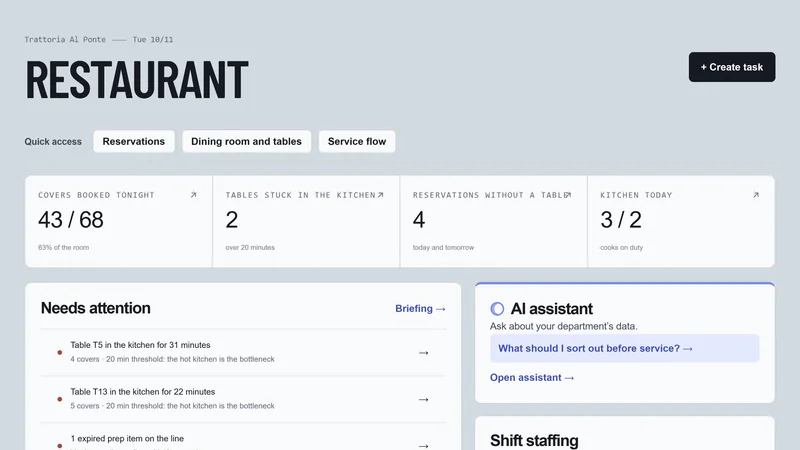 06Dashboard, action plan and reports
What to fix today, and how the week went.
Explore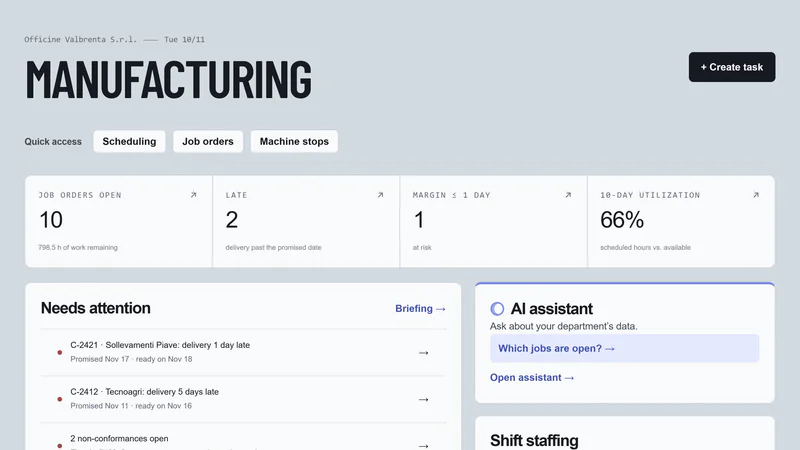 07AI assistant
Ask your own data, as you would a colleague.
ExploreOn every screen
The small things that make the difference.
Search with Ctrl K
A module or a person: two keys and you are there, from any screen.
Import from Excel
Job orders, orders, deliveries and staff are not retyped by hand. Messy sheets too: the AI recognises the columns.
Export and back up
Excel export and a backup copy to save and restore.
Light and dark theme
For the office by day and for the screen on the floor.
Modules your way
Choose which modules to show and in what order, in settings.
Italian and English
The interface switches language with one tap.
Every device
In the browser, on computer, tablet and phone. Nothing to install.
AI assistant
A question about your data, from any screen. And the customer’s order, as PDF or email, becomes a job to confirm.
One method, four worlds
The same product, four vocabularies.
Each sector finds its own modules, its own names and its own numbers on the dashboard.
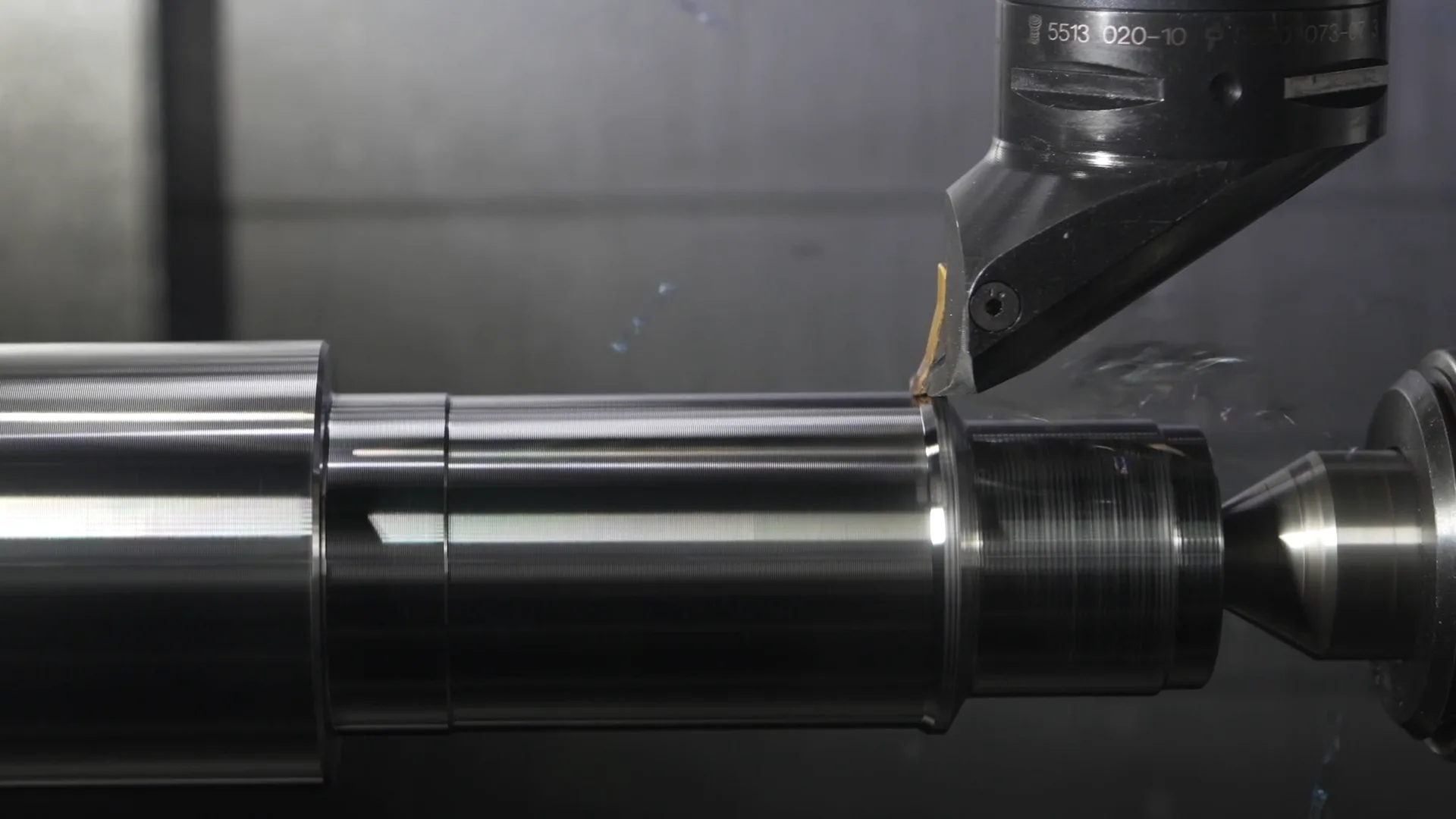 20 modules
Workshops & manufacturing
Job orders, machines and delivery dates that hold.
Explore 23 modules
Food production labs
Batches, HACCP and delivery rounds on one plan.
Explore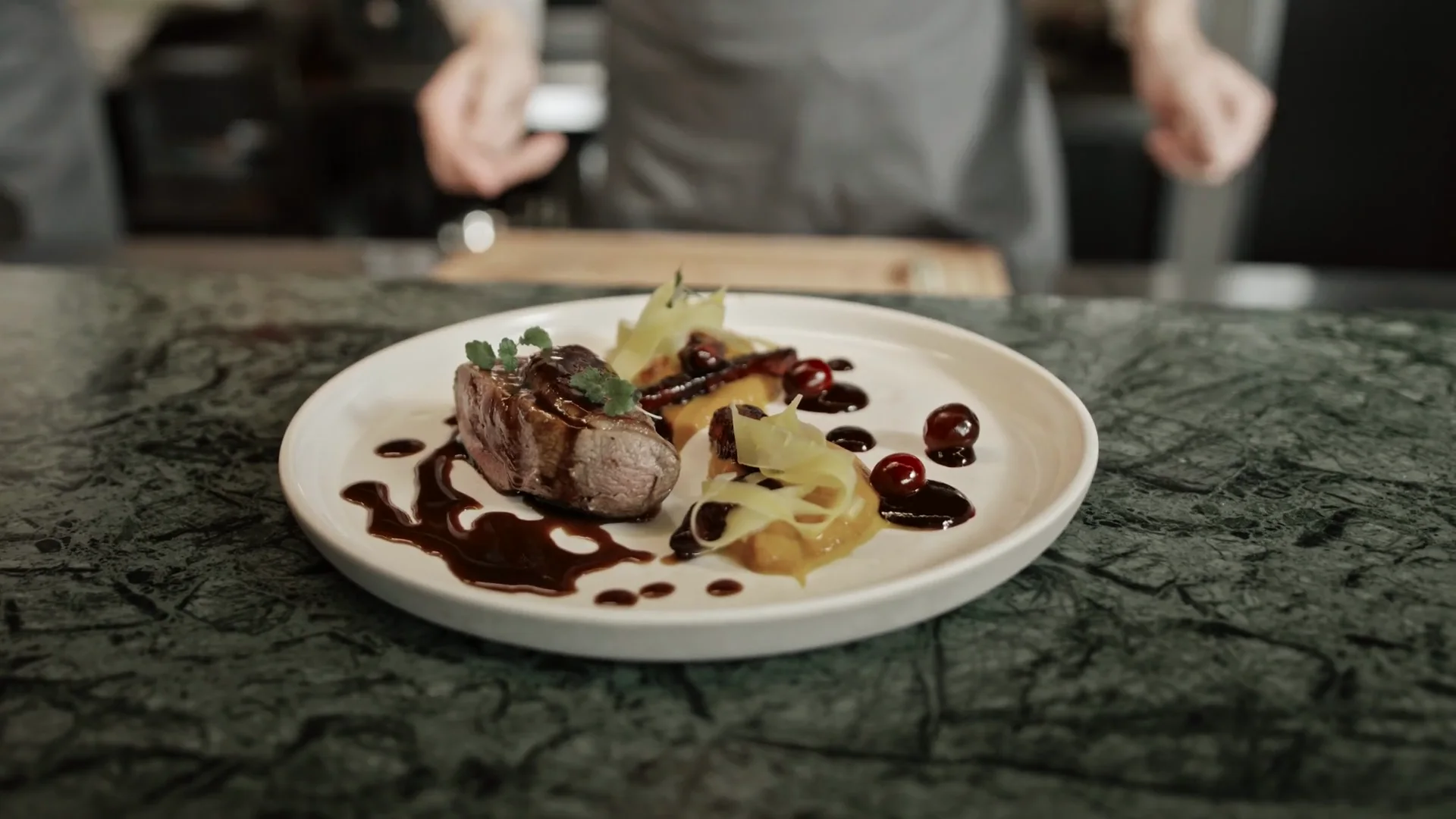 21 modules
Restaurants
Reservations, dining room and brigade before service starts.
Explore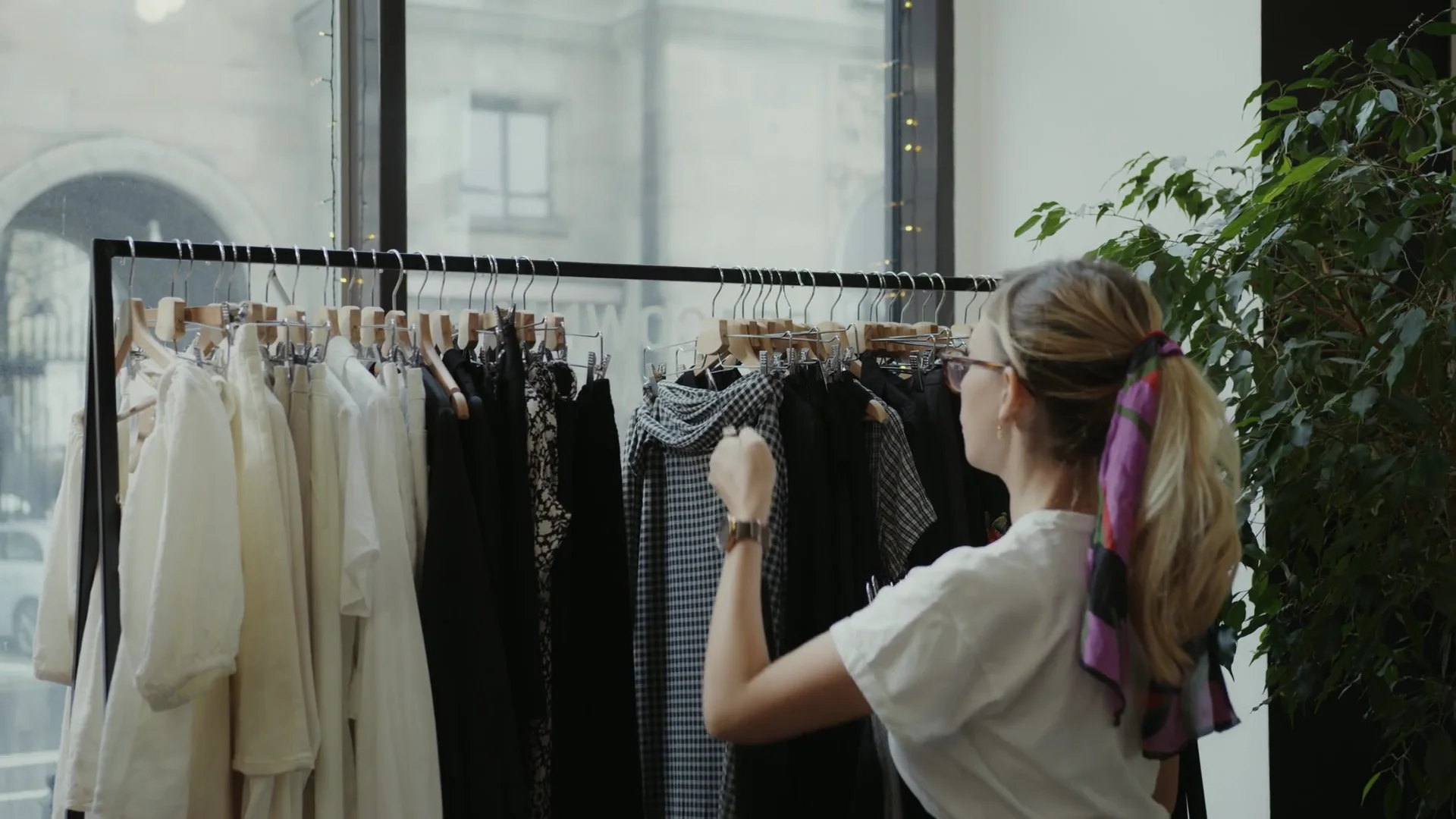 18 modules
Retail stores
Shifts, daily tasks and the till under control.
ExploreGive your work
its shape.
Thirty days to see whether your team really uses it. Open Taktra in your browser, create your company and describe how you work.
No card needed to start: 30 days free, then you decide whether to subscribe.